
Review front and back placements
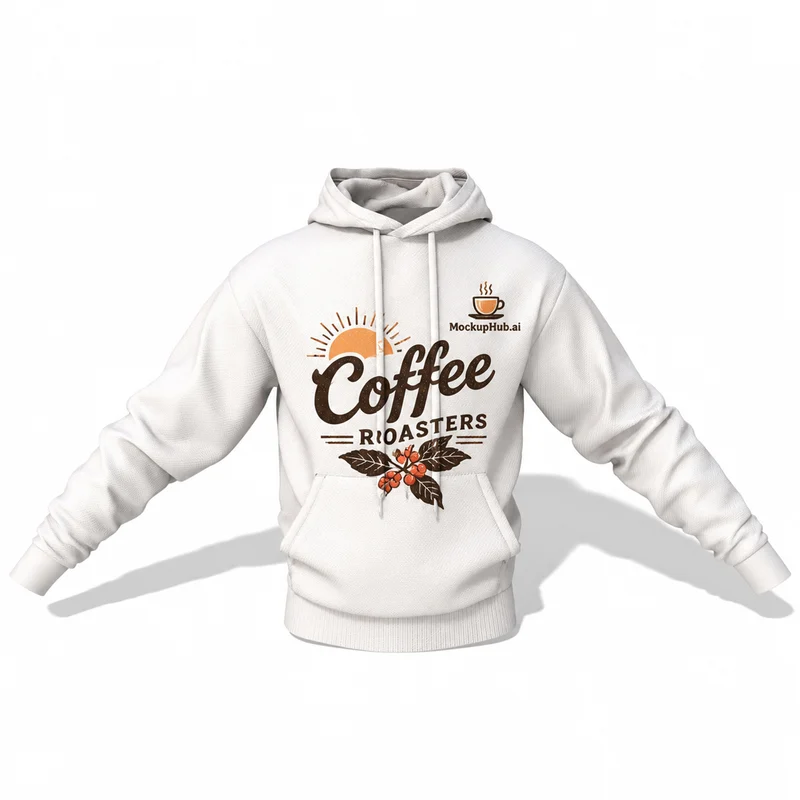
Keep chest marks clear of drawstrings and pockets, and check larger back prints in the intended crop. Use separate views when a design has multiple placements so reviewers can assess each one.
Preview hoodie graphics on a garment with more structure and detail than a flat print file. Compare available front, back and lifestyle views, then check how artwork sits around the hood, pocket and seams.
Category introduction
Use Hoodie mockups to compare artwork on the product form before sharing a design. Select a template whose view and editable area suit your intended presentation; controls and export options vary by item.
Template features
Explore the available template views and practical checks for this product category.
Keep chest marks clear of drawstrings and pockets, and check larger back prints in the intended crop. Use separate views when a design has multiple placements so reviewers can assess each one.
Fabric folds and shadows affect how a print reads. Inspect the artwork at the size customers will see it, and compare colorways with a consistent template when the editor supports garment color changes.
Common questions
Helpful details about choosing a template, reviewing a design and using exported mockup images.
Use a template or set of views that exposes each placement. The available surfaces and editor controls differ by hoodie mockup.
No. They are visual previews. Confirm print size, placement and garment details with your apparel or print provider.
Match the template to the product shape and the view you need to present. Check its card and editor for available views, editable areas and export options before starting.
Start with a clear image that fits the template's visible artwork area. Keep important details inside the crop, then review scale and legibility in the editor preview.
No. A mockup helps review appearance. Confirm dimensions, materials, print areas, compatibility and production requirements with the relevant supplier or product specifications.