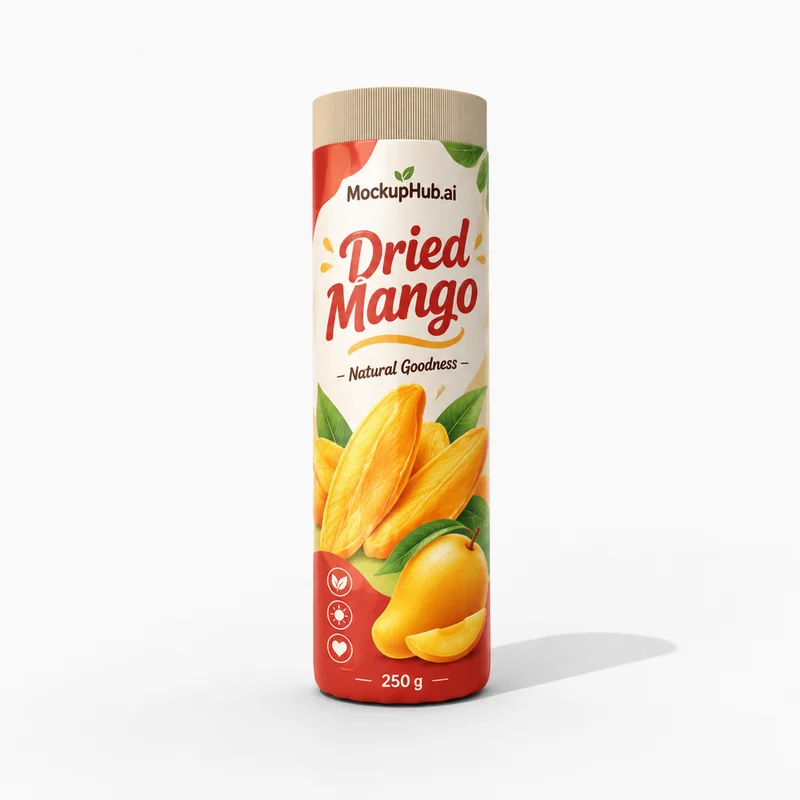
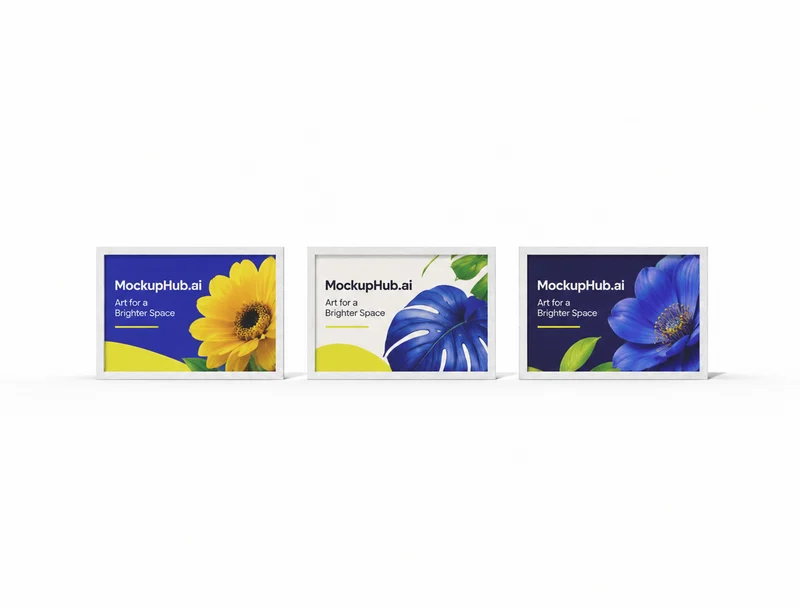
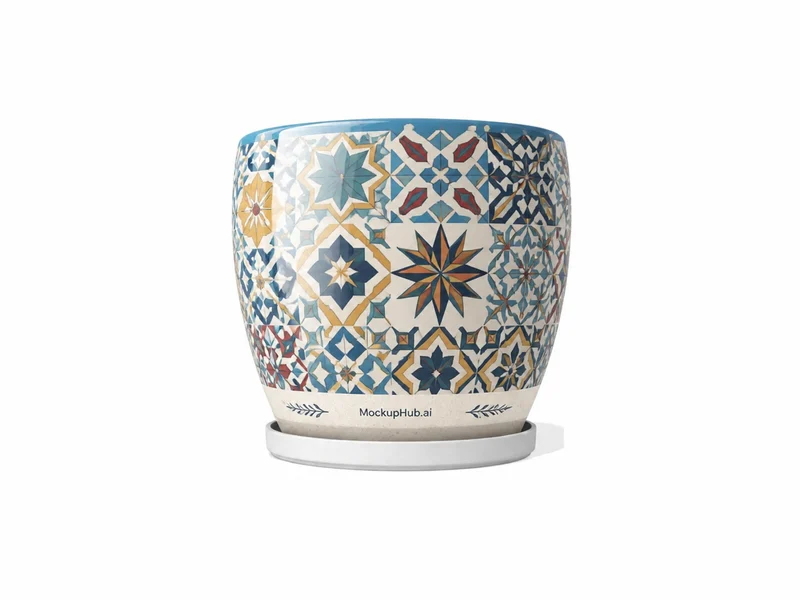
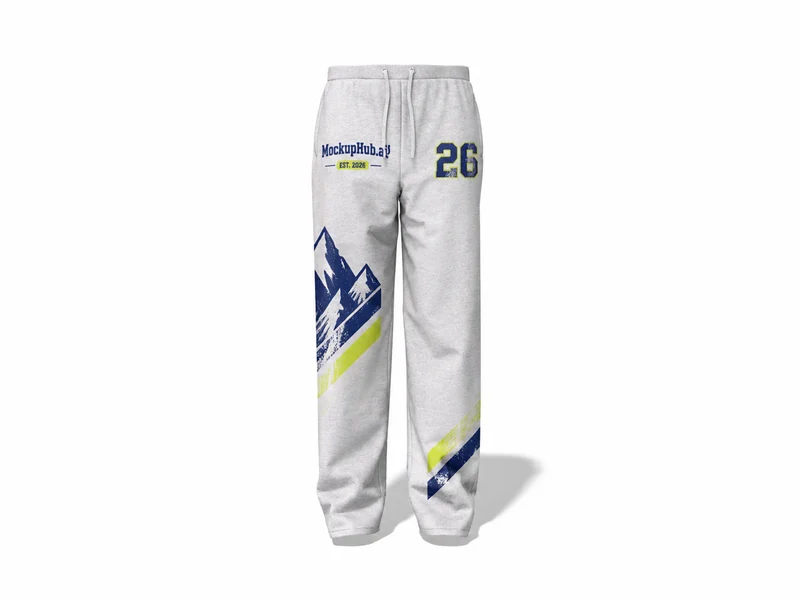
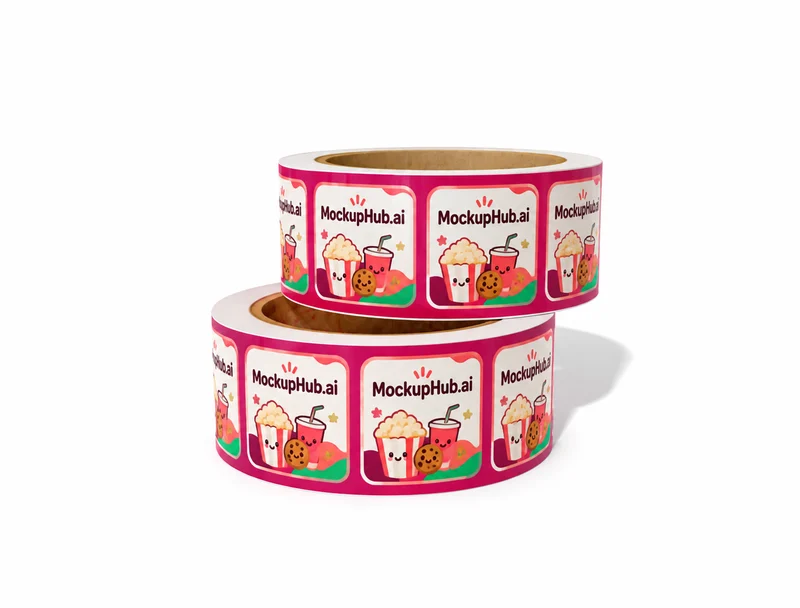
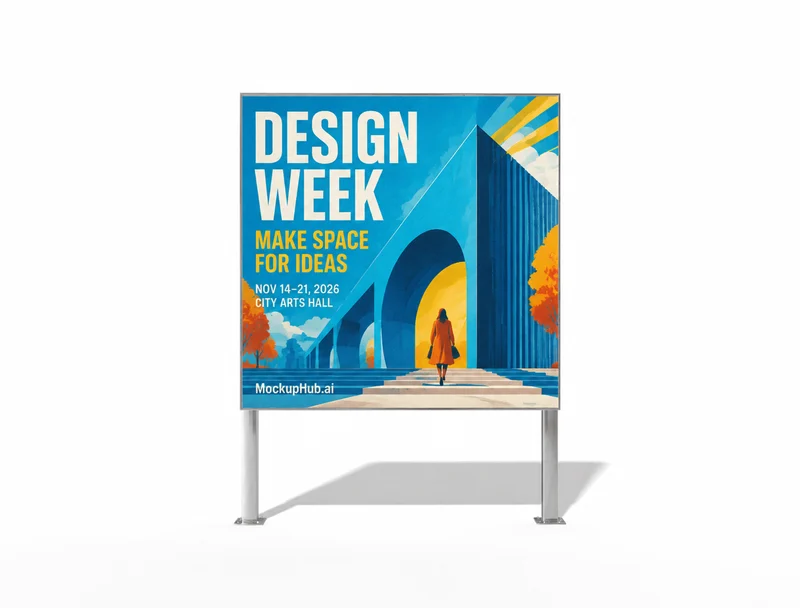
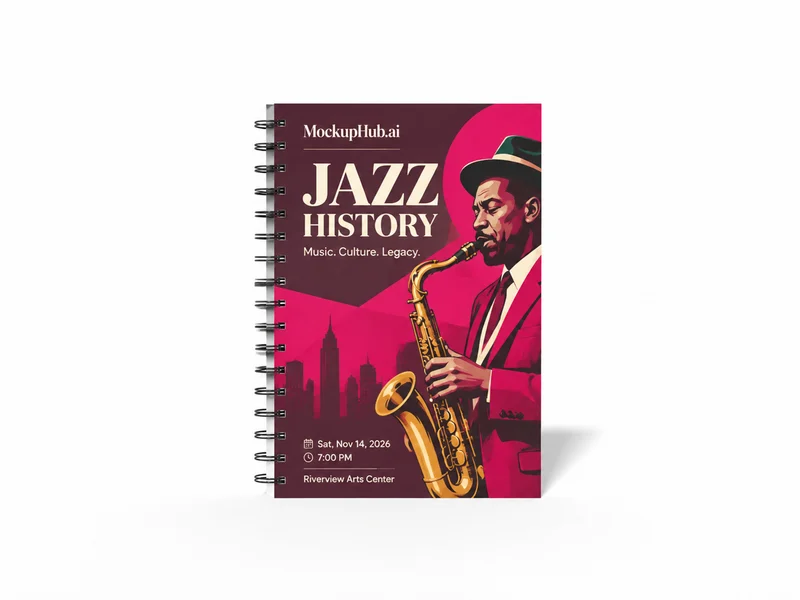
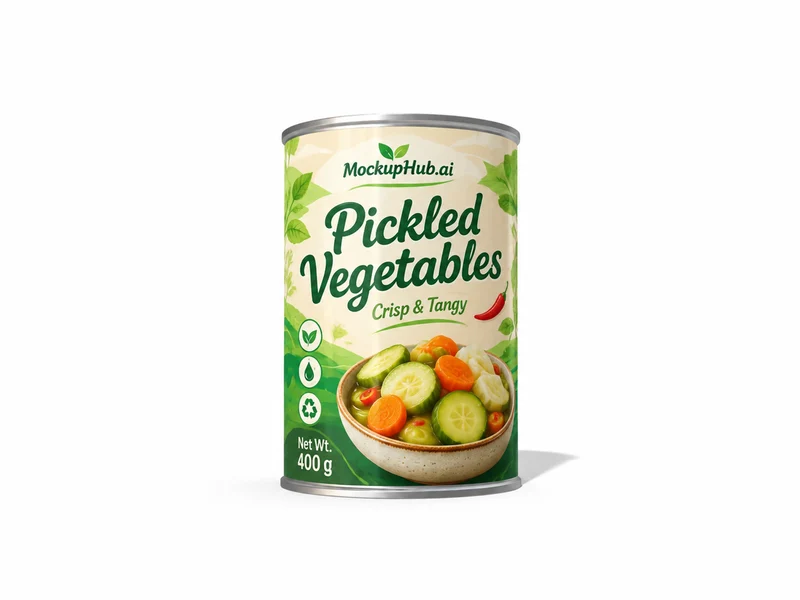
Free AI Mockup Generator & Online Editor

Put your design on photo and 3D mockups for apparel, packaging and devices, right in your browser. Add a realistic AI scene, then export up to 8K.

  • Free to start
  • Online mockup editor
  • AI scenes and 8K export
Cosmetic Tuck-End Box Mockup
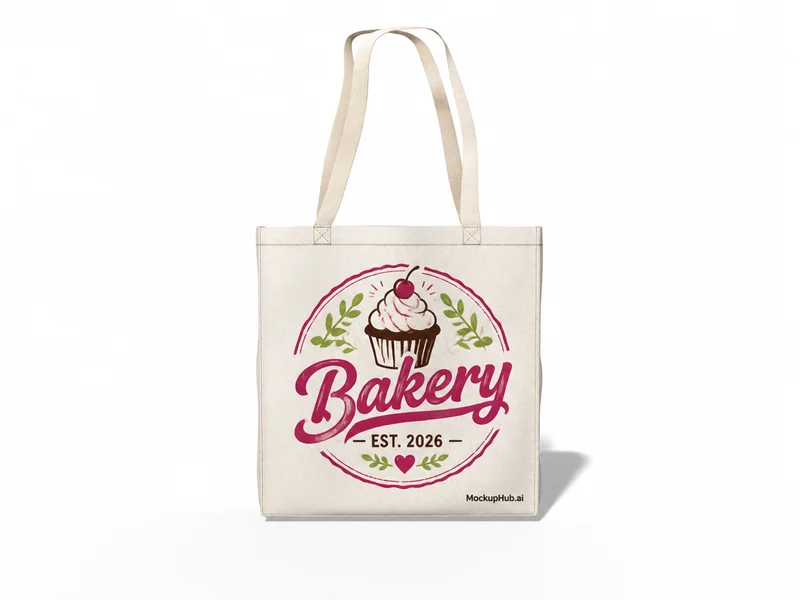
Blank Canvas Tote Bag Mockup for Graphic Placement
237 ml Standard Soda Can Mockup with Metal Finishes

Popular mockups.

Fresh templates ready for your next launch, listing or pitch deck.

One design,
every surface.

Place your design, add an AI scene and export product visuals, all in one online mockup editor.

Mockup library

Bring every product to life

Browse photo and 3D mockups for apparel, packaging, devices and print, place your artwork in the online editor, and export polished visuals ready to share.

  • Start with a photo or 3D mockup
  • Customize artwork, colors and details
  • Export a clean visual for any launch
Browse all mockups
3DDieline
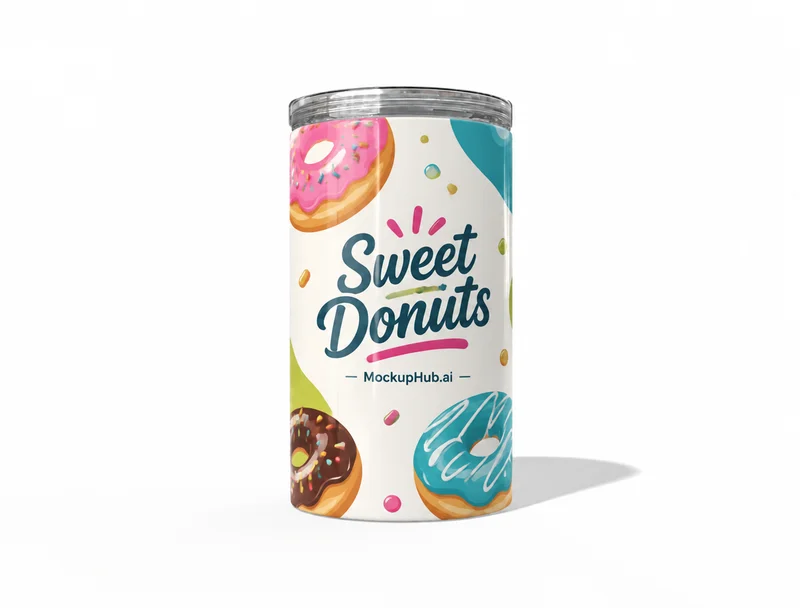
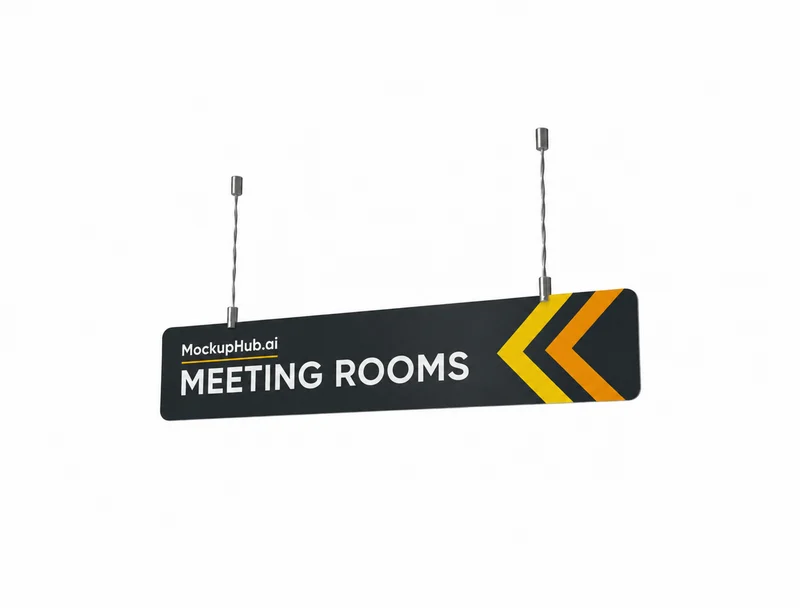
White Travel Tumbler Mockup with LidHanging Wayfinding Sign Mockup, 1200 x 235 mmPNG · JPG · PDF

Three steps, no design software.

From artwork file to a launch-ready visual, all in your browser.

  1. Step 01

    Choose a template

    Pick a photo or 3D mockup built for your product: apparel, packaging, devices and more.

  2. Step 02

    Add your design

    Upload artwork once, then tune layers, materials, lighting or an AI scene around it.

  3. Step 03

    Export and share

    Download a high-res image up to 8K, save it to Projects or share a 3D view for feedback.

Questions?
Answered.

Everything you need to know before your first mockup.

Still curious?

Browse the full catalog, or compare plans and credits on the pricing page.

01What is an AI mockup generator?

An AI mockup generator puts your design on realistic product photos or 3D models and can create new product scenes from a short prompt. MockupHub.ai combines photo and 3D mockups, an online editor and AI scenes in one place.

02Is MockupHub.ai free to use?

Yes. Browsing mockups, editing them in the online editor and exporting your images is free. AI scenes use credits, which come with a membership or a credit pack. See Pricing for current plans.

03What kinds of mockups can I make?

Photo and 3D mockups for apparel, packaging, devices, print, accessories and home decor, with new mockups added regularly.

04Which files can I upload?

PNG, JPG and WebP images up to 20 MB. Transparent PNGs work best for logos and artwork.

05Do I need to install anything?

No. The editor runs in your browser and renders mockups right on your device.

06What can I do with 3D mockups?

Apply artwork to a model, change materials and colors, rotate the camera, tune the scene and share the result before exporting.

07Where do my edits go?

When you are signed in, layered edits are kept in Projects and your mockup exports show up in History so you can download them again.

Make your next
mockup in seconds

Free to start. No design software needed.