Review layout at a useful scale
Choose a close, straight-on view when checking type and detail. Use an in-scene view to judge how the work reads at a distance or alongside surrounding objects. Review the exported crop at its intended display size.
Show a print design in the setting where people will encounter it. Browse poster, book, card, flyer and stationery mockups to review composition, hierarchy and apparent scale before sharing a concept.
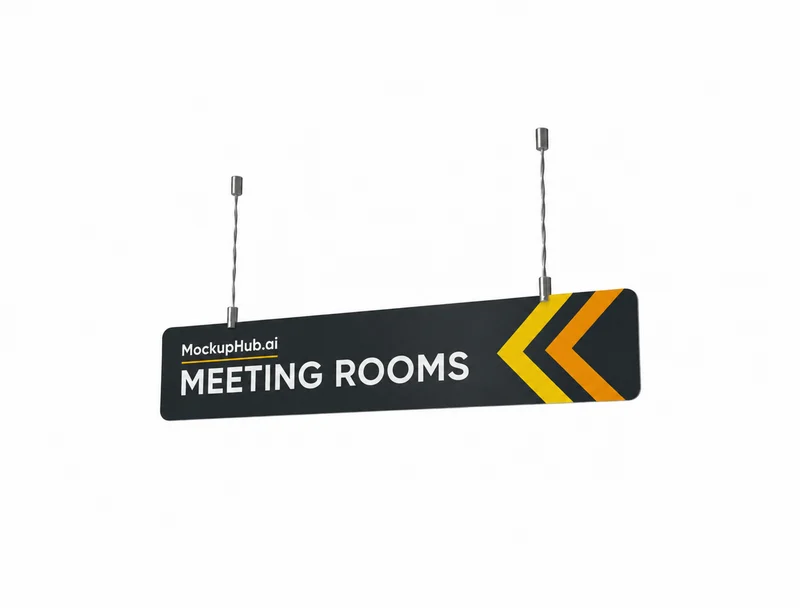 3D mockup, view in 360°
Signage
Hanging Wayfinding Sign Mockup, 1200 x 235 mm
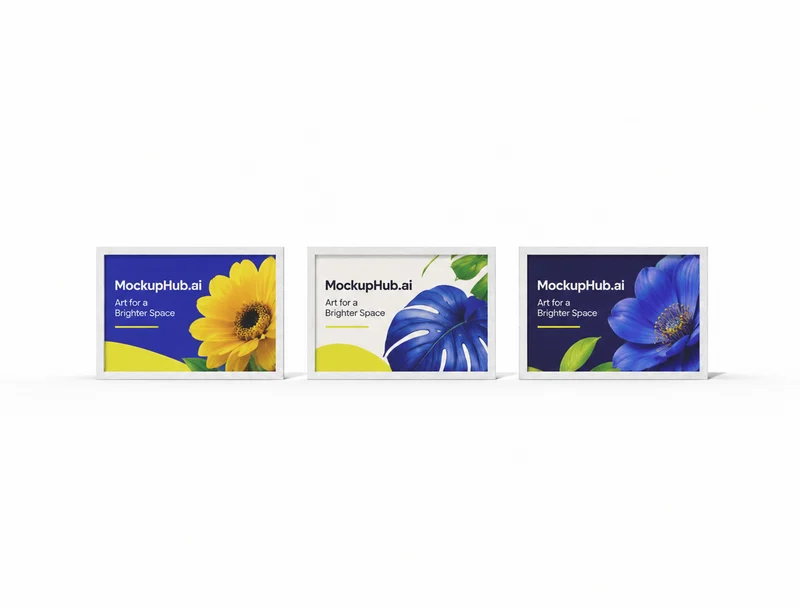 3D mockup, view in 360°
Frame
Three-Poster Frame Mockup, 707 x 500 mm
 3D mockup, view in 360°
Billboard
Street Billboard Mockup, 700 x 1600 mm
 3D mockup, view in 360°
Sticker
Sticker Tape Roll Mockup, 60 x 100 x 100 mm
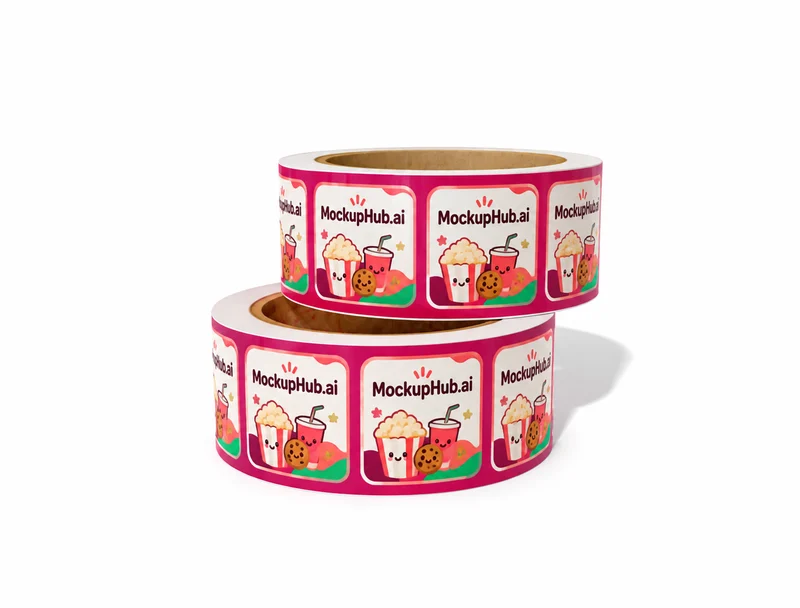 3D mockup, view in 360°
Sticker
Sticker Roll Mockup, 76 x 76 x 30 mm
 3D mockup, view in 360°
Billboard
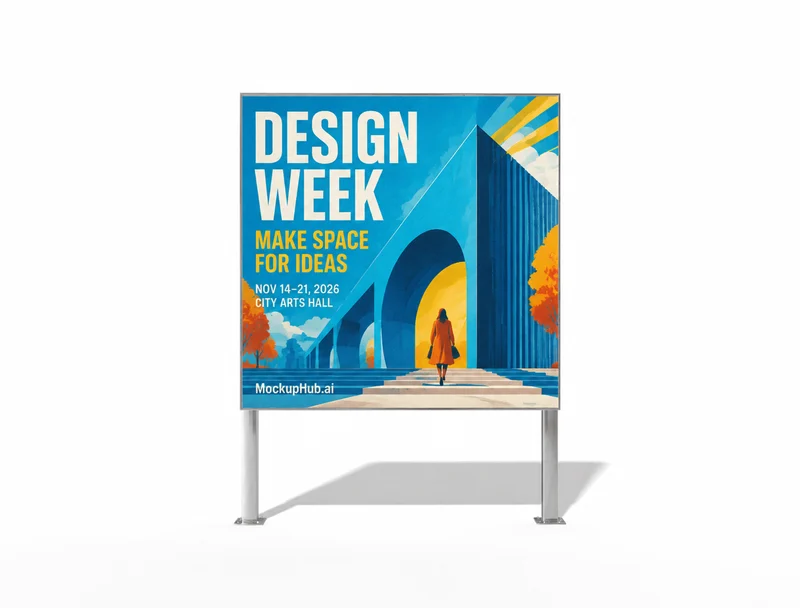
Square Billboard Mockup, 1800 x 1800 mm
 3D mockup, view in 360°
Book
Spiral Notebook Cover Artwork and Design Mockup Preview
 3D mockup, view in 360°
Label
Shirt Tag Mockup for Clothing and Price Labels
 3D mockup, view in 360°
Banner
Retractable Banner Mockup for Display Graphics
 3D mockup, view in 360°
Banner
Retractable Banner Mockup for Event Display Artwork
 3D mockup, view in 360°
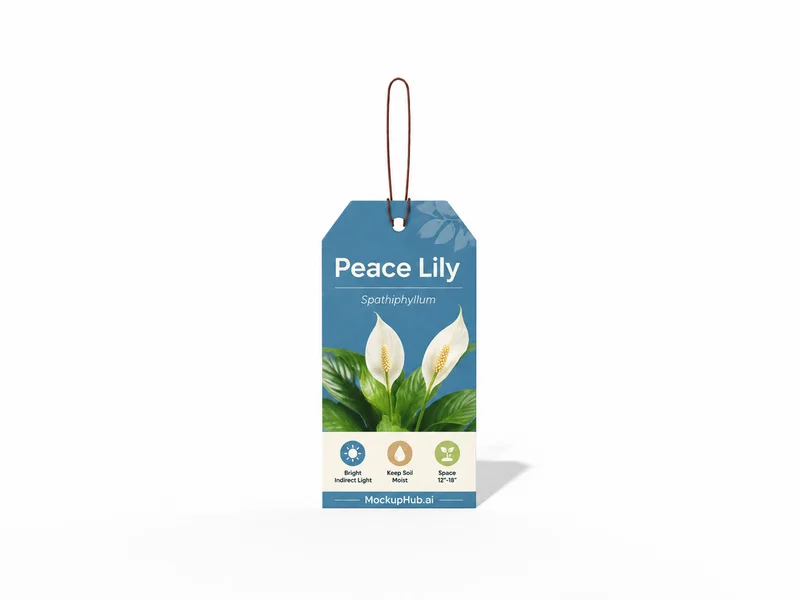
Card
Plant Care Tag Mockup for Garden Label Artwork
 3D mockup, view in 360°
Signage
Overhead Hanging Wayfinding Sign Mockup, 800 x 180 mm
 3D mockup, view in 360°
Poster
Flyer and Poster Mockup
 3D mockup, view in 360°
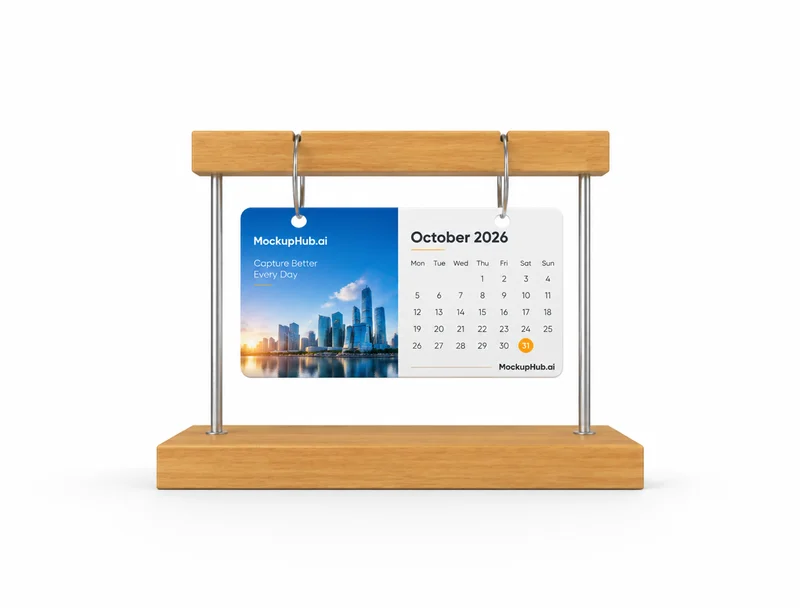
Calendar
Desktop Calendar Mockup for Monthly Artwork and Branding
 3D mockup, view in 360°
Calendar
120 x 60 x 120 mm Block Desk Calendar Mockup
 3D mockup, view in 360°
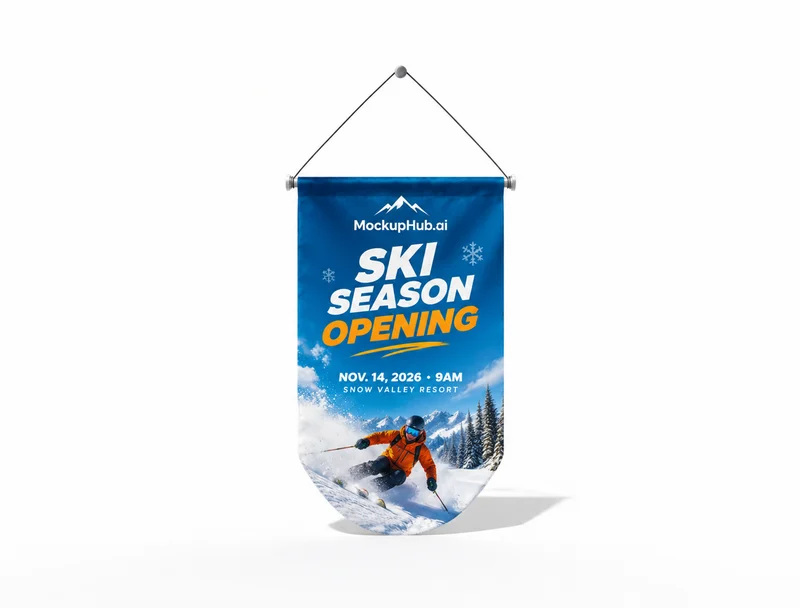
Flag
320 x 540 mm Hanging Flag Mockup
 3D mockup, view in 360°
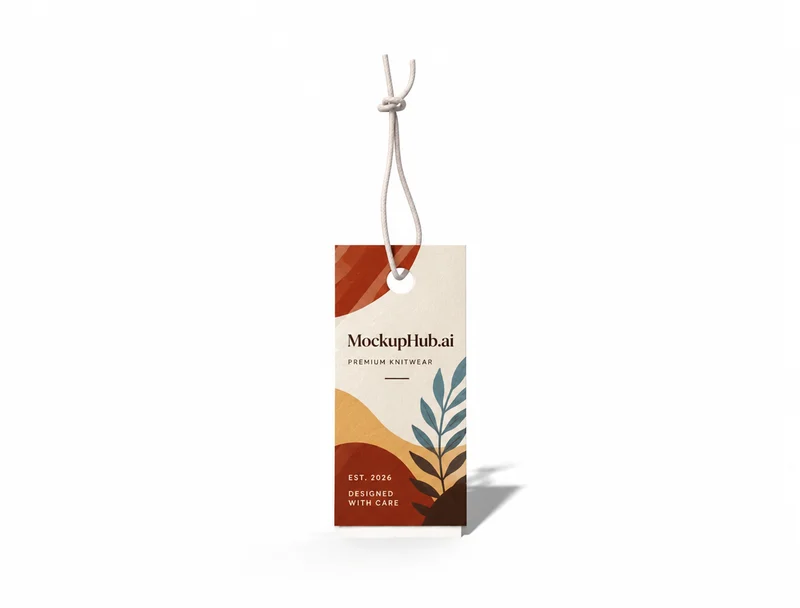
Label
Clothing Tag Mockup for Apparel Label Artwork
 3D mockup, view in 360°
Card
3.5 x 2" Classic Standard Business Card Mockup
 3D mockup, view in 360°
Flag
680 x 1800 mm Flag Banner Mockup
 3D mockup, view in 360°
Brochure
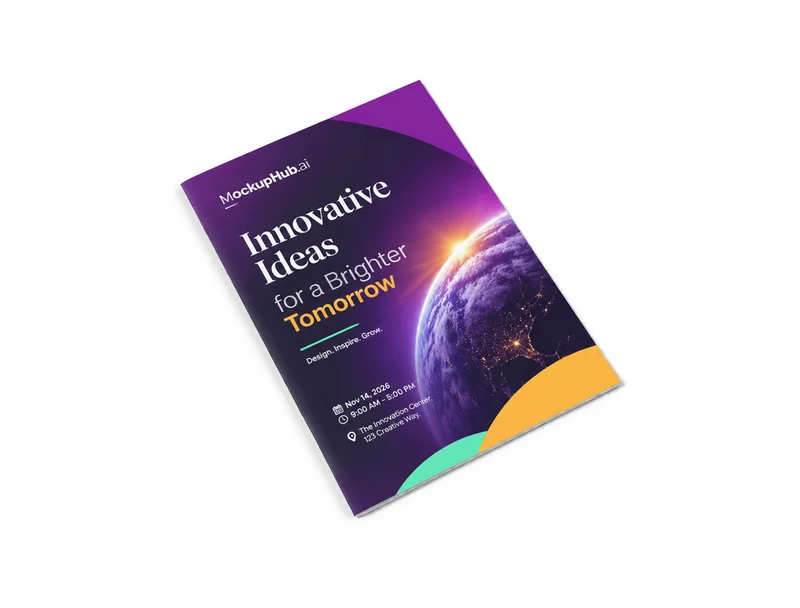
A4 Brochure Template Mockup
 3D mockup, view in 360°
Brochure
A4 Brochure Booklet Mockup, 210 x 297 mm
 3D mockup, view in 360°
Flyer
80 x 200 mm Door Sign Hanger Mockup
 3D mockup, view in 360°
Stationery
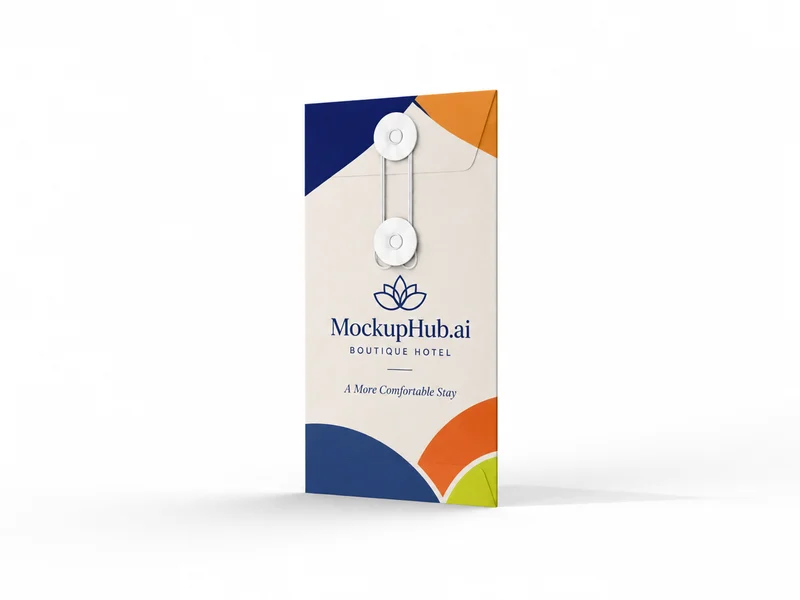
Paper Postmarks Mockup
 3D mockup, view in 360°
Stationery
Mailing Envelope Mockup for Invitation Artwork
 3D mockup, view in 360°
Frame
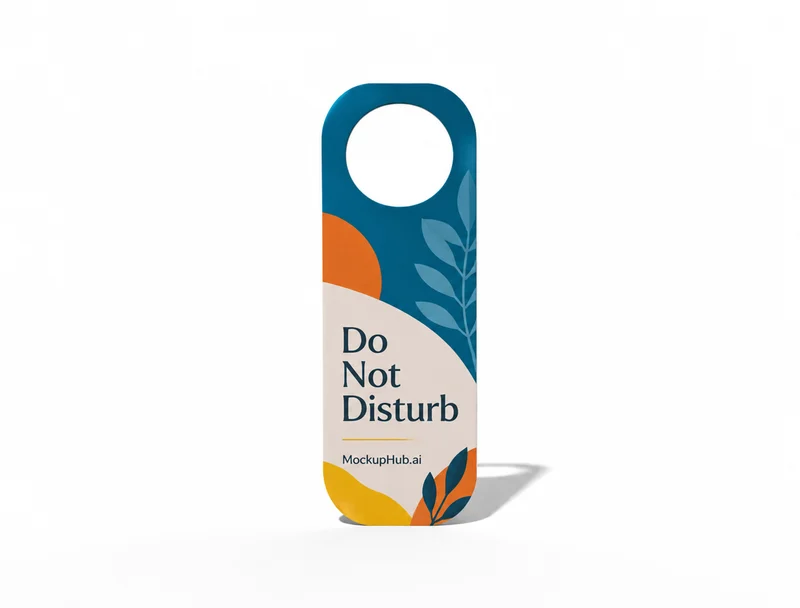
Acrylic Frame Mockup for Art Displays
 3D mockup, view in 360°
Flyer
80 x 200 mm Door Hanger Mockup
 3D mockup, view in 360°
Book
A5 Corner Spiral Notebook Mockup for Cover Branding
 3D mockup, view in 360°
Poster
A4 Flyer Poster Mockup
Category introduction
Use Print mockups to compare artwork on the product form before sharing a design. Select a template whose view and editable area suit your intended presentation; controls and export options vary by item.
Template features
Explore the available template views and practical checks for this product category.
Choose a close, straight-on view when checking type and detail. Use an in-scene view to judge how the work reads at a distance or alongside surrounding objects. Review the exported crop at its intended display size.
A realistic scene can help clients understand a design direction, but it does not verify trim, bleed, paper stock or color output. Check those production requirements in the final print file with your printer.
Common questions
Helpful details about choosing a template, reviewing a design and using exported mockup images.
The library includes categories such as posters, books, cards and stationery, with additional print products shown in the catalog.
Mockup exports are presentation images. Use the original production artwork and confirm printer specifications for the print run.
Match the template to the product shape and the view you need to present. Check its card and editor for available views, editable areas and export options before starting.
Start with a clear image that fits the template's visible artwork area. Keep important details inside the crop, then review scale and legibility in the editor preview.
No. A mockup helps review appearance. Confirm dimensions, materials, print areas, compatibility and production requirements with the relevant supplier or product specifications.